

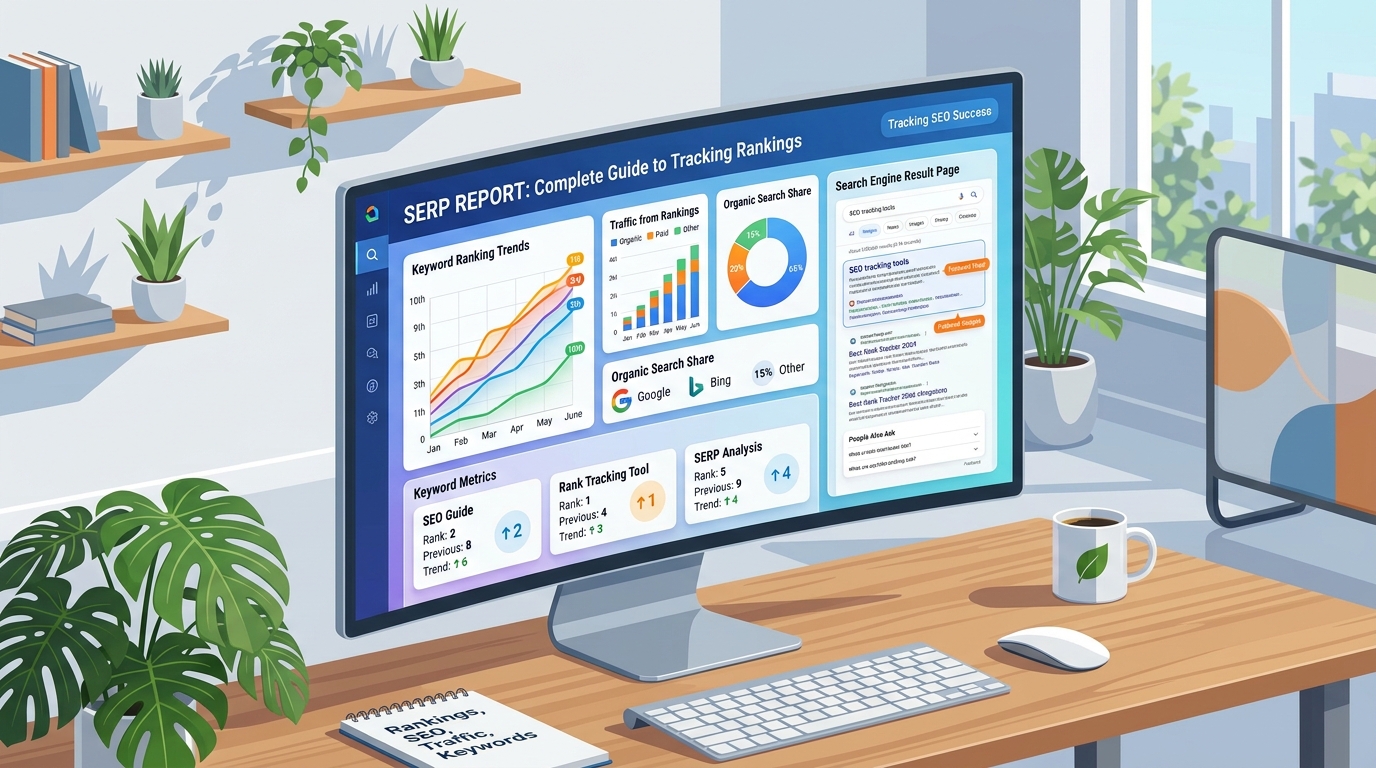
You check a keyword in Google, see a position number, and close the tab. Three weeks later, traffic drops and nobody can explain why, because nobody wrote the number down anywhere. This is the exact gap a SERP report is built to close. It turns a one-time glance at search results into a structured, dated record that shows how a page’s visibility actually changes over time.
A SERP report is a document, spreadsheet, or dashboard that records how a website ranks on a search engine results page for chosen keywords, along with the context around that ranking: the URL, the date, the location, the device, and often the competitors sitting nearby. SERPNews already covers the foundations of this topic in our guide on what a SERP actually is, and this article builds on that by focusing specifically on how to turn raw SERP data into a usable report.
In practice, most SEO teams that skip proper SERP reporting end up reacting to problems weeks late. A well-built SERP report, by contrast, becomes the first place anyone looks when traffic moves, a client asks for an update, or a new competitor suddenly appears in the top results.
What a SERP Report Actually Contains
Not every SERP report looks the same, but the useful ones share a common structure. At minimum, a report should record the target keyword, the current ranking position, the previous position for comparison, and the exact URL that earned that spot.
Core Ranking Data
The baseline fields in almost any SERP report include the keyword, position, ranking URL, and the date the data was collected. Without a consistent date stamp, a SERP report becomes little more than a snapshot with no way to measure movement. Most rank-tracking tools automatically timestamp each pull, but manual reports need this added by hand.
Location, Device, and Search Context
Search results are not identical for everyone. A ranking pulled from a desktop browser in Lahore can differ from the same keyword checked on a mobile device in Karachi, because Google factors in location, device type, and sometimes language into what it shows. A SERP report that mixes desktop and mobile data without labeling them separately can hide a real mobile-specific ranking drop.
SERP Features Present on the Page
Beyond the basic ten blue links, a modern SERP report should note which special result types appear: featured snippets, People Also Ask boxes, AI-generated overviews, image packs, video carousels, or local map results. Our dedicated guide on SERP features breaks these down in more depth, but the short version is that a page ranking at position three can still lose most of its visibility if three SERP features sit above it.
Competitor Visibility
A strong SERP report also lists the top domains competing for the same keyword, not just your own position. This makes it much easier to notice when a new competitor enters the picture, or when an established one drops out, without running a separate competitive audit every time.
Why Building a SERP Report Matters for SEO
Search rankings translate almost directly into organic traffic, and organic traffic tends to be the highest-margin channel a business has, since it carries no per-click cost once the content is published. When a SERP report shows a commercially important keyword sliding from position four to position eleven, that single row of data often explains a real dip in leads before anyone even opens Google Analytics.
A SERP report also functions as an early warning system for algorithm updates. Google rolls out several confirmed and unconfirmed updates every year, and a sudden, widespread drop across many keywords in a single reporting period is frequently the first visible clue that an update has landed. Catching that pattern in a SERP report lets a team investigate promptly instead of waiting weeks for the decline to show up in broader analytics.
There is also a decision-making angle that gets overlooked. If a SERP report consistently shows a competitor’s page outranking yours despite your page having more backlinks or a longer word count, that is worth investigating rather than dismissing. It often points to a mismatch between what your page offers and what the actual search intent behind the keyword requires, a topic we explore further in our guide to SERP Intelligence.
How to Build a SERP Report Step by Step
Building a usable SERP report does not require expensive software, though tools do make ongoing tracking easier. The steps below apply whether you are using a paid platform or a plain spreadsheet.
Step 1: Choose Keywords With Real Business Value
Start with the twenty to fifty keywords that are actually tied to revenue, conversions, or important landing pages, rather than importing every keyword your site happens to rank for somewhere. A smaller, carefully chosen list produces a report someone will actually read every week.
Step 2: Lock In a Consistent Search Context
For every keyword group, record the country, city where relevant, device type, and language before you start collecting data. If one week’s report uses desktop results and the next uses mobile, the comparison stops being meaningful, because the change you are seeing may just reflect the different device rather than a real ranking shift.
Step 3: Pull First-Party Data From Google Search Console
Google Search Console’s Performance report provides first-party data on average position, impressions, clicks, and click-through rate, pulled directly from Google’s own logs rather than a third-party estimate. This makes it a valuable companion to any manual or tool-based SERP report, since it shows real user behavior rather than a modeled ranking snapshot.
Step 4: Add a Live SERP Snapshot
Search Console tells you what happened on your own site. A live search snapshot tells you what changed around your listing. Record the ranking URL, the competing pages nearby, and any SERP features that appeared, so the report explains context rather than just a number.
Step 5: Choose a Comparison Window That Makes Sense
Weekly comparisons work well for active SEO campaigns, while monthly comparisons suit client reporting and slower-moving niches. Seasonal businesses often get more value from year-over-year comparisons than from week-over-week ones, since normal seasonal demand can look like a ranking problem if you are not comparing against the right baseline.
Step 6: Review the Ranking URL Before Editing Anything
Before rewriting a page because its ranking dropped, check which URL Google is actually showing. Sometimes a site has two pages competing for the same keyword, and Google alternates between them, a problem called keyword cannibalization that no amount of content editing on the wrong page will fix.
Comparing Ways to Generate a SERP Report
Several methods exist for producing a SERP report, and the right one depends on budget, technical comfort, and how many keywords need tracking.
| Method | Best For | Update Frequency | Main Limitation |
|---|---|---|---|
| Manual search + spreadsheet | Small sites, five to ten priority keywords | As often as you check manually | Time-consuming, prone to inconsistent settings |
| Google Search Console | Any verified site, free first-party data | Refreshes with a short delay | No visibility into competitor rankings |
| Dedicated rank tracker | Agencies and ongoing campaigns | Daily or weekly, automated | Requires a paid subscription |
| SERP API | Developers building custom dashboards | Real-time or scheduled | Requires technical setup and a data provider |
None of these methods produces numbers that will match perfectly with another tool, since each provider uses its own crawling infrastructure and sample locations. A two or three position difference between two tools checking the same keyword on the same day is normal and does not mean either tool is wrong. The important habit is picking one primary source for your SERP report and staying consistent with it so the trend line stays comparable over time.
How to Read a SERP Report Without Overreacting
Pulling the report is only half the job. Reading it correctly is what prevents wasted effort chasing normal noise instead of a real trend.
- Look at movement across several weeks rather than reacting to a single day, since a two or three position fluctuation is common even without any changes on your side.
- Separate desktop and mobile data before drawing conclusions, since blending them can hide a device-specific problem.
- Check the ranking URL every time a keyword moves significantly, since a switch to an unintended page often explains more than a content-quality issue does.
- Compare any sudden, widespread drop against Google’s public algorithm update history before assuming something broke on your own site.
- Note which SERP features surround your listing, since a position-one ranking underneath an AI overview and three ads behaves very differently from a clean position one on an older-style results page.
A keyword that climbs steadily over eight weeks following a content update tells a very different story than one that spikes for two days and falls back. Only a properly dated SERP report, checked at consistent intervals, lets you tell the two apart with any confidence.
Common Mistakes to Avoid in SERP Reporting
Even experienced marketers fall into a handful of recurring traps when working with SERP report data, and most of them come from treating the numbers with too much or too little skepticism.
Ignoring Location and Personalization
Search results are shaped by location and sometimes by prior search history. Pulling a SERP report without locking the tracking location to a specific city or country can produce numbers that do not match what a real customer sees in their own search results.
Treating Estimated Search Volume as Exact
Many rank-tracking tools attach an estimated monthly search volume next to each keyword. These figures come from modeled data, not a live count from Google, so basing a major content investment on one tool’s number without cross-checking against a second source is a common and avoidable mistake.
Reacting to Every Daily Fluctuation
Google tests and adjusts its results constantly, and a keyword can move a few spots up or down from one day to the next without any real cause. Rewriting a page every time a SERP report shows a one-position dip wastes time and can introduce new problems if changes are made without a clear reason.
Only Tracking Your Own Site
A SERP report that shows only your rankings misses half the story. If every competitor dropped during the same reporting period, the cause is more likely an algorithm update affecting the whole niche rather than something specific to your site, and our guide on Google SERP changes is a useful reference for checking that possibility.
Confusing a SERP Report With Automated Scraping
It is worth being direct about this one: pulling live search results without authorization, using unofficial scraping scripts against Google directly, goes against Google’s Search Essentials guidelines and its spam policies. Any automated SERP reporting setup should rely on an authorized SERP API provider, Bing Webmaster Tools, or Google Search Console rather than unauthorized scraping of a search engine’s results pages.
SERP Report vs. Related SEO Terms
The terminology in this space overlaps enough to cause confusion, so it helps to separate the concepts clearly.
A SERP checker, covered in our SERP Checker guide, is usually a quick, point-in-time lookup tool. A SERP tracker, explained in our SERP Tracking guide, is the ongoing system that collects that data automatically on a schedule. A SERP report is the actual output, the document or dashboard, that gets generated from tracked data and shared with a team or client. A SERP bot, discussed in our SERP Bot guide, is often the automated component that performs the checks behind a tracker. Understanding where each term fits helps avoid buying the wrong tool for the job, since a business that only needs occasional manual checks does not necessarily need a full automated tracking subscription.
For Bing-specific reporting, which follows a similar structure but uses a different data source and search engine, see our detailed guide on Bing SERP reports.
How Often Should You Generate a SERP Report
The right frequency depends on how competitive and valuable the keyword is, not on how easy it is to pull the data. Daily collection makes sense for a small set of critical, volatile keywords, weekly review suits active SEO operations, and monthly reporting works well for client updates and slower-moving niches.
Collecting data daily does not mean editing pages daily. Frequent collection helps reveal genuine trends, but actual site changes should be based on evidence strong enough to justify the work, not on a single day’s fluctuation. A practical rhythm many teams use is to collect priority keyword data automatically each day, review meaningful gains and losses weekly, and summarize business impact and planned actions monthly.
Frequently Asked Questions
What is the difference between a SERP report and a rank tracker? A rank tracker is the ongoing software that collects ranking data automatically, while a SERP report is the actual document or dashboard output generated from that data at a specific point in time.
How often should I generate a SERP report? Weekly is a practical starting point for competitive or high-value keywords, while monthly is often enough for stable, lower-competition niches where large swings are rare.
Can I create a SERP report for free? Yes. Manual tracking through consistent, logged-out searches recorded in a spreadsheet, or using Google Search Console’s free Performance report, are both workable no-cost options for a smaller keyword list.
Why do two different tools show different rankings for the same keyword? Each provider uses its own crawling infrastructure, sampling location, and update timing, so a difference of a few positions between two tools checking the same keyword is normal rather than a sign of an error.
Does a SERP report explain why a ranking changed? Not on its own. A SERP report shows what changed, not why. Finding the cause usually means cross-referencing the timing against known algorithm updates, recent site changes, or new competitor content, which is where a SERP Intelligence approach becomes useful.
Is it legal to scrape Google to build a SERP report? Scraping Google’s results pages directly without authorization goes against Google’s Search Essentials guidelines, so any automated SERP report system should use a licensed SERP API provider or an official first-party tool like Search Console instead.
What is a reasonable keyword list size for a SERP report? Most practitioners find that twenty to fifty carefully chosen, business-relevant keywords produce more useful insight than tracking hundreds of low-value terms in the same report.
Should a SERP report include competitors, not just my own rankings? Yes. Including the top competing domains for each keyword makes it far easier to tell whether a drop is specific to your site or part of a wider shift affecting the whole niche.
Final Thoughts
A SERP report earns its place in an SEO workflow when it is read consistently rather than glanced at once and forgotten. Whether you build it through a paid rank tracker, a manual spreadsheet, or Google Search Console’s free reporting, the value comes from tracking the same keywords under the same conditions over time, and pairing that data with enough context, location, device, competitors, and SERP features, to actually explain what happened. Used that way, a SERP report stops being a vanity number and becomes one of the more reliable early signals an SEO team has for catching problems and opportunities before they show up anywhere else.
For related reading, explore our guides on SERP Intelligence, SERP Tracking, SERP Features, and what a SERP actually is.
